All PDF Reader
Productivity
2026-11-09
31.31MB
5.2.9
Android
131
Screenshots
Introduction
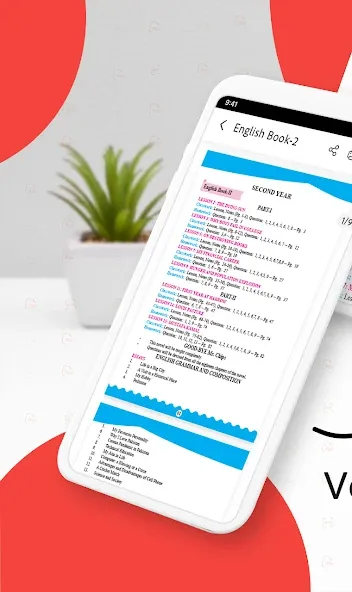
All PDF Reader is an office application designed for the Android operating system. It enables users to edit their documents by adding annotations, underlines, and various other types of markups. The app offers robust customization options, allowing users to adjust settings, save files in different formats, and create links according to their specific needs. It boasts excellent compatibility, supporting the conversion of various file types—including different image formats—into PDF. Additionally, it features a built-in scanner that allows for quick and precise document scanning. With its comprehensive and powerful feature set, it helps users boost productivity and save time, making it an essential tool for office professionals.
Features:
Swift File Loading: The application can quickly download PDF files to your device. The speed of downloading these PDFs to your device is no less fast than when you download them on your computer.
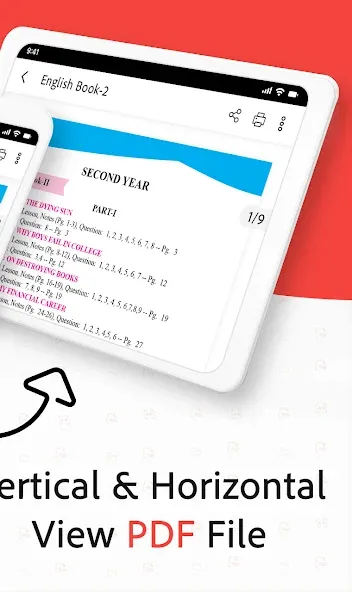
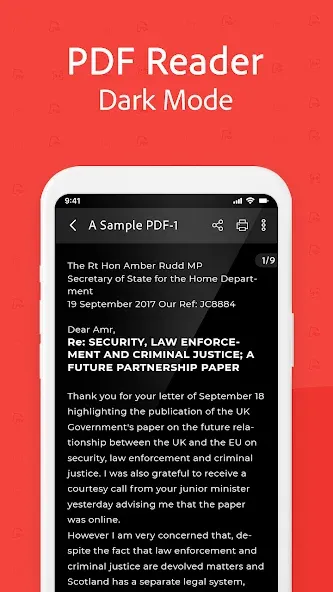
Flexible Display Options: The application also offers a variety of different display styles for your phone, so you have more options for displaying and viewing PDF files. You can choose the most suitable styles to view PDF files more easily and conveniently right on your phone.
Effortless Document Navigation: The application has an extremely fast navigation system. You can use this system to mark, coordinate, or quickly move pages so that you can work most conveniently on your phone.
Image PDF Scanner: The application gives you an extremely sharp camera. You can use this camera to scan text or images right on your phone. With this feature, you can scan the content you want directly without having to take pictures or upload photos.
PDF Image Export: You can also quickly convert PDF files to JPG files. The application also allows you to annotate those files so that you can take notes on important parts of your work without having to print them out and annotate them by hand, saving you a lot of time.
Multi-Image PDF Creator: The application also has extremely professional support tools to help you create and add images to a PDF file. With these support tools, you can completely create a PDF file right on your phone without having to use your personal computer.
Highlights:
Fast and smooth PDF reader and viewer
Edit PDFs: add text, highlight, annotate, and modify files
PDF scanner: scan documents, ID cards, receipts, notes, etc., and convert them into PDF files
Image to PDF: convert JPG, PNG, and JPEG files to PDF
Merge, split, rotate, and compress PDF files
Organize documents using the built-in PDF file manager
Search for text within PDFs, add bookmarks, and manage pages
Protect your PDF files with passwords to ensure security
100% offline—no internet connection or login required
Lightweight, free, and optimized for all Android devices
FAQS:
Can I edit the text within a PDF file?
This application is primarily designed for viewing, annotating, and managing PDF files. Editing text directly within a PDF file is not a core feature.
Does the application support cloud storage integration?
While there may not be built-in, direct cloud storage integration, you can use the Open With feature to easily access and open PDF files from cloud storage services such as Google Drive or Dropbox.
Is the application free to use?
The application offers a range of free features. Some advanced features may require a paid subscription.
Advantages and disadvantages:
Pros
Simple to use
Multiple viewing modes
Text search and copy
PDF editor
Cons
Overly cluttered with features
Conclusion:
More exciting features are coming soon. You can set this app as your default PDF viewer or reader, allowing you to open and view PDF files directly from your file manager, email, cloud storage, or the web—without needing to launch the app separately. Packed with a wide range of useful features, All PDF Reader is an excellent choice for managing and reading various office documents on your Android device.





-
Latest Updates
-
Featured Apps