VLC for Android
Entertainment
2026-10-12
45.77MB
3.7.1
Android
506
Screenshots
Introduction
VLC for Android is a powerful media player that allows users to play a wide range of video, audio, and network media files. With built-in codecs supporting numerous file formats, it eliminates the need to search for external plugins. The app also helps manage files and displays album art, enhancing the music listening experience. Additionally, it supports subtitles and the simultaneous loading of multiple audio tracks, making it easy to watch videos in different languages.
Features:
Plays most formats with built in codecs
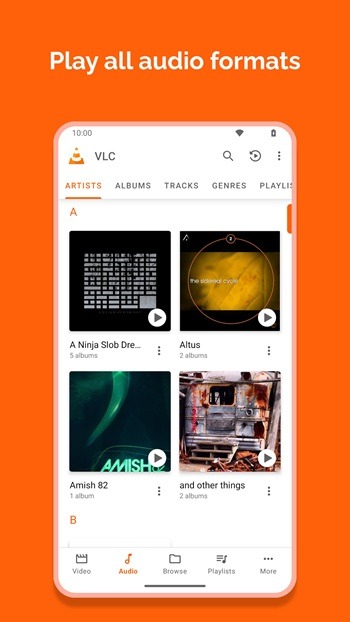
VLC opens common and niche formats without extra downloads. You can play MKV, MP4, AVI, MOV, Ogg, FLAC, TS, M2TS, Wv, AAC, and more using the codecs included in the app. This helps you avoid hunting for plugins and keeps setup simple. Files stored locally or on removable storage open the same way, so playback starts quickly.
Network streaming and home shares
For network playback, you can open HLS and DASH links directly from the app. VLC also browses network shares and drives, which makes it easy to reach media on a NAS or a home server. It plays DVD ISO images without conversion, so archived discs remain accessible on your phone or tablet. This approach works well for both quick links and long term libraries.
Full audio player with library and controls
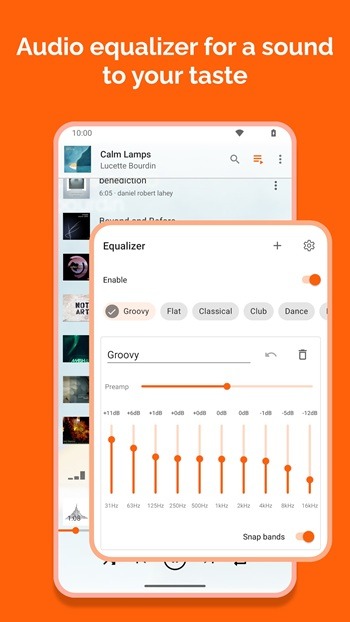
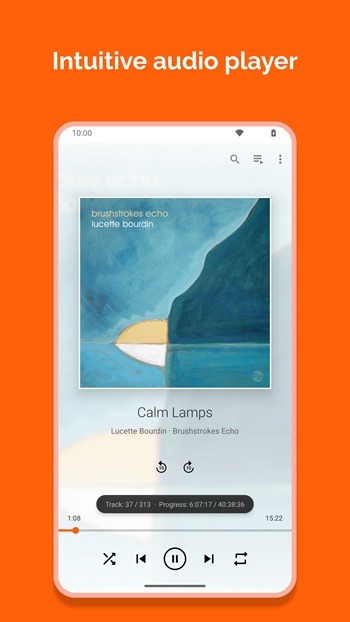
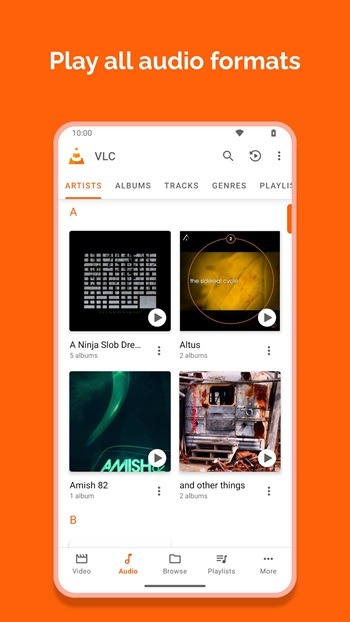
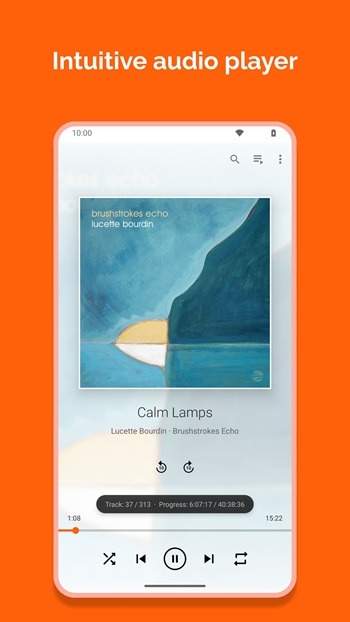
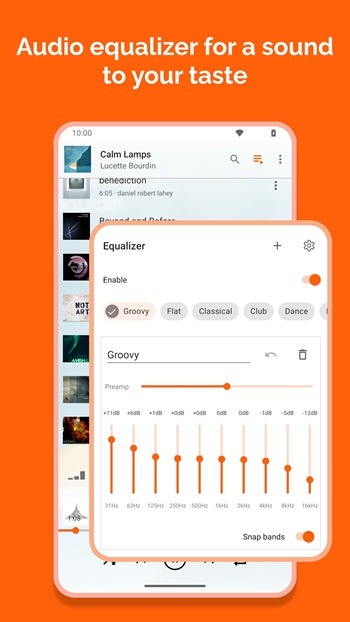
Beyond video, the VLC player app manages your music with a built in media library and cover art. You can fine tune sound with a ten band equalizer and audio filters, then control playback from headset buttons or an audio widget on your home screen. This keeps common actions within reach while you are on the go. Playlists and library browsing keep longer sessions organized.
Subtitles and multiple tracks
When captions are needed, VLC supports subtitles, Closed Captions, and Teletext. You can switch between multiple audio and subtitle tracks during playback, including tracks from external files. This is useful for multilingual videos or alternate commentary. Loading a local SRT file or choosing an embedded track takes only a few taps.
Touch gestures and flexible viewing
For day to day control, you can use gestures to change brightness, adjust volume, or seek through a video. Auto rotation and aspect ratio options help match your screen and content. Picture in Picture keeps a small window on screen while you use other apps, which is handy for notes or messaging. These controls make VLC straightforward for both quick clips and long videos.
Highlights:
It plays most local video and audio files, network streams (including adaptive streaming), and DVD ISOs.
All formats, including MKV, MP4, AVI, MOV, Ogg, FLAC, TS, M2TS, Wv and AAC, are supported. All codecs are included with no separate downloads.
It supports subtitles, Teletext, and Closed Captions.
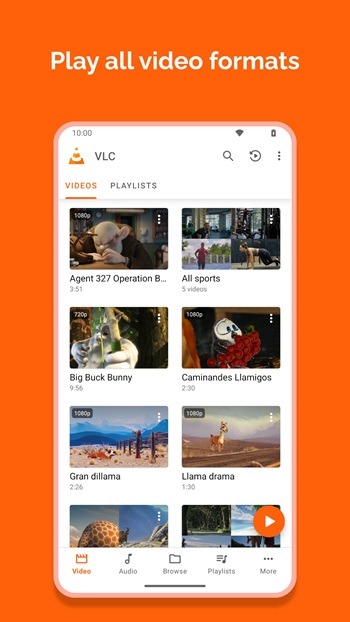
It has a media library for audio and video files, allowing you to browse folders directly.
It has support for multi-track audio and subtitles. It supports auto-rotation, aspect-ratio adjustments, and gestures to control volume, brightness, and seeking.
It also includes a widget for audio control, supports audio headset control, cover art, and a complete audio media library.
Pros and Cons:
Pros
Supports Most File Formats VLC supports most file formats and streaming audio and media right within the app.
Intuitive Touch and Gesture Controls Built with mobile devices in mind, the app includes intuitive touch and gesture support that gives you more control over your media.
Subtitle Search and Audio Track Switching Use the built-in subtitle search to find subtitles fast, and switch between available audio tracks for ad-hoc dubbing on the fly.
Cons
Basic Interface The interface is easy to navigate and use, but it looks a bit basic and could offer more ways to personalize it.
FAQs:
What is VLC APK?
VLC APK is a media player app. It is used to play video, audio, network streams, and subtitle files in one place.
What is VLC used for?
It is used for watching videos, listening to music, opening many file formats, playing content from shared storage, and streaming media over a network.
Does VLC APK support subtitles and different audio tracks?
Yes. It supports subtitles, closed captions, and multiple audio tracks, which is helpful for movies, shows, and foreign language content.
Can VLC APK play all video and audio formats?
It supports a very wide range of formats, including MP4, MKV, AVI, MOV, FLAC, AAC, and more.
Who should use VLC APK?
It is a good fit for Android users who want one media player for local files, music, subtitles, and network streaming without needing extra codec packs.
Conclusion:
VLC stands as a powerhouse in multimedia playback, combining broad format support, customization, and privacy-focused design. Despite occasional lags noted by some users, its adaptability across platforms ensures lasting relevance. From movies and music to streams and subtitles, VLC continues to deliver a seamless experience that resonates with both everyday users and media enthusiasts.




-
Latest Updates
-
Featured Apps