
Messenger
Social
2026-11-10
12.47MB
10.0.0
Android
165
Other versions

Screenshots
Introduction
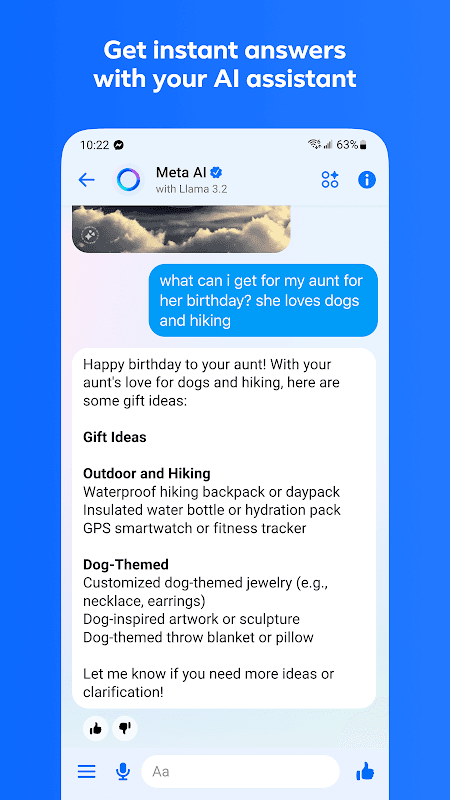
Messenger is a social application designed for the Android operating system. It offers a powerful suite of features, including text, voice, and video messaging, as well as the use of stickers and emojis. The app integrates advanced artificial intelligence (AI) technology, allowing users to leverage AI for quick voice-based replies and to seek answers to various questions. It boasts excellent compatibility, supporting not only text but also voice messages, files, and photos. Users can chat with friends and family, set up group calls, and share links or content—such as movies and TV shows—with others. Furthermore, the application provides robust security, ensuring the protection of users' personal privacy and financial assets.
Features:
High-Quality Voice and Video Calls
Experience clear, seamless communication with voice and video calling. You can make free calls to anyone in your contact list via Wi-Fi or mobile data, no matter where they are in the world. Video calls support group sessions, making it easy to host online gatherings or meetings with multiple people at once. Call quality is continuously optimized to ensure a smooth and reliable connection.
Expressive Chat Themes and Customization
Personalize your chat experience with a variety of vibrant themes and color gradients. You can assign a unique theme to each conversation, making your chats visually distinct and engaging. This high level of customization extends to nicknames and emoji shortcuts, allowing you and your friends to create a shared space that reflects your unique relationship.
Secure and Private Conversations
For sensitive topics, use the dedicated "secret conversation" mode. These chats feature end-to-end encryption, ensuring that only you and the recipient can read the messages sent. You can also set timers for messages to disappear automatically after being viewed, further protecting your privacy and giving you greater control over your digital footprint.
Integrated Media and File Sharing
Sharing special moments and documents is effortless with built-in sharing features. You can instantly send photos and videos from your gallery, or capture new ones directly within the app. The platform also supports a wide range of file types, making it a convenient tool for quickly exchanging documents without needing to switch to email.
Augmented Reality Fun
Add a playful touch to your video calls and photos with integrated augmented reality (AR) effects. Apply fun filters, masks, and interactive backgrounds during calls or when taking screenshots of your chats. These AR experiences are regularly updated, offering fresh and creative ways to interact with your contacts.
Highlights:
Get real-time answers with an AI assistant
Let an AI assistant help you answer questions, provide advice, assist with homework, and more.
Send high-definition photos
Share your special moments with greater clarity and realism.
Create shared albums
From recent summer vacations to a grandmother’s 80th birthday—every moment is worth remembering. Create photo and video albums to share, organize, and look back on these important memories within your group chats.
Easily add new contacts by scanning
Connect with people you meet in real life by scanning their QR code, or share your own QR code via a link.
Share large files directly in chats
Send large files—such as Word documents, PDFs, or Excel spreadsheets—directly in your chats (up to 100MB).
Edit and unsend messages
Sent a message too soon? You can edit it within 15 minutes of sending.
Disappearing messages
Some things aren’t meant to last forever. You can choose how long your end-to-end encrypted messages remain visible after they’ve been read.
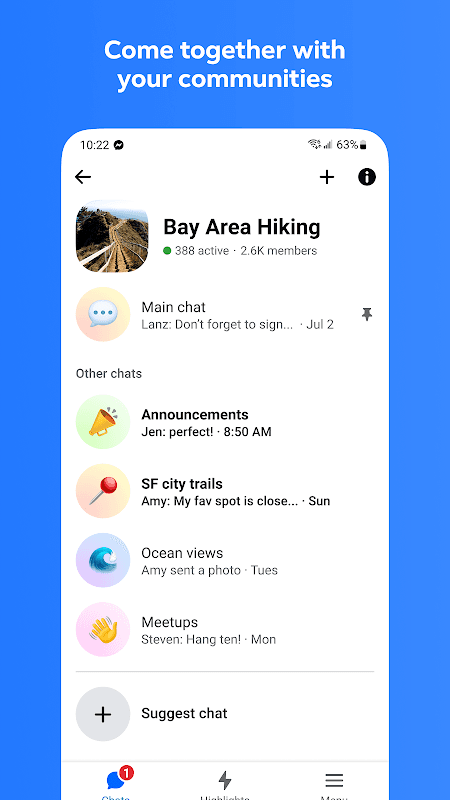
Connect and engage with communities
Build meaningful connections with people who share your school, neighborhood, or interests.
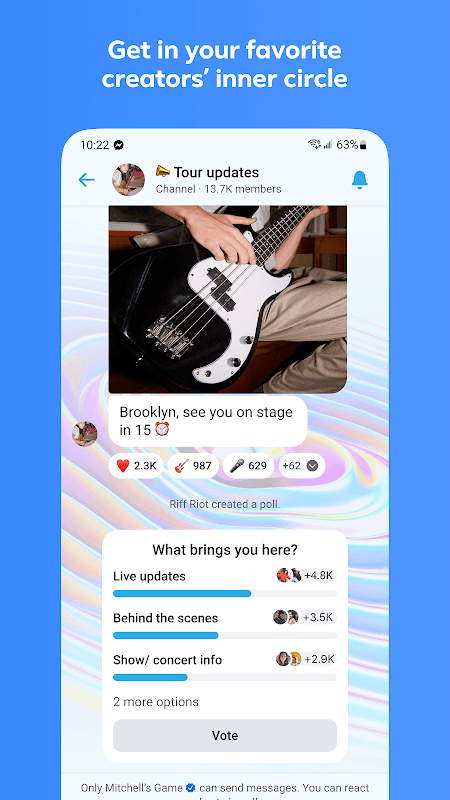
Join the inner circle of your favorite creators
Follow creators’ broadcast channels to get authentic, spontaneous updates and stay in the loop with their latest content.
Unleash your imagination with Meta AI
Get creative anytime, anywhere—generate, edit, or animate images, and more.
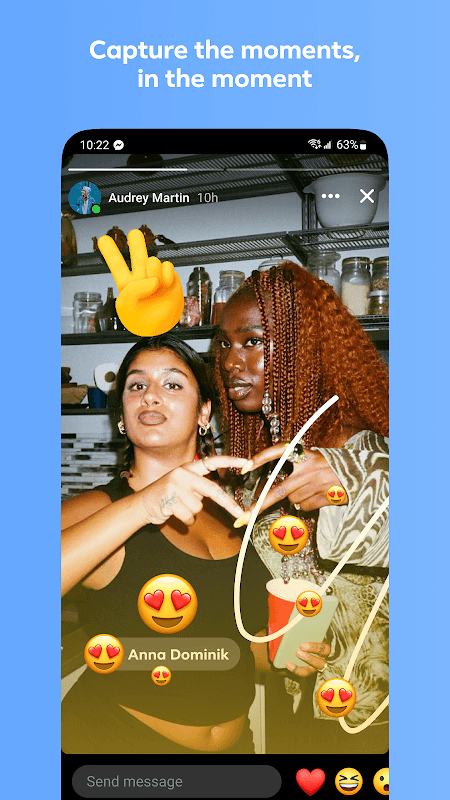
Capture daily moments with Stories
Share photos and videos that disappear after 24 hours, and give others a glimpse into your daily life.
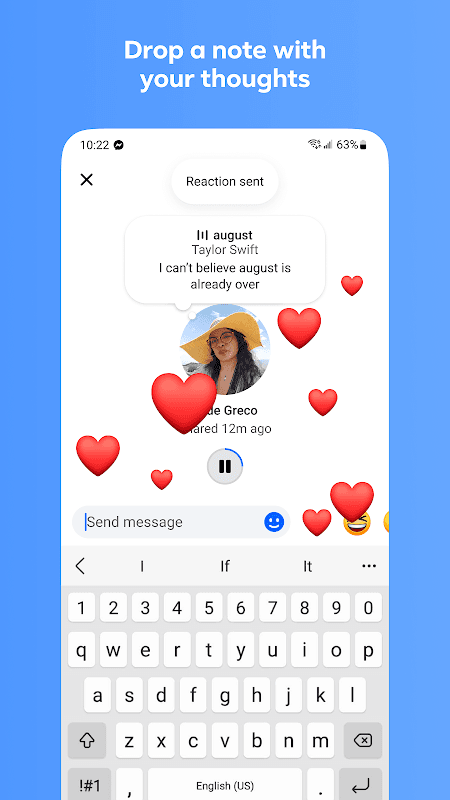
Share your thoughts with Notes
Post quick updates that vanish after 24 hours to keep friends and family in the loop.
FAQS:
Can I switch to dark mode?
Messenger features a dark mode; once enabled, the entire interface will appear with a dark background.
Can we share our real-time location via the messaging app?
Just like on WhatsApp, you can easily share your real-time Google Maps location in Messenger. Simply tap the arrow to the left of the text input box to open the map. You may need to grant the necessary permissions in your settings if prompted.
What is Messenger?
It is a feature-rich messaging application.
Advantages and disadvantages:
Pros
Saves phone storage space
Uses much less data and battery
Functional even in 2G
Features all the main Messenger functions
Cons
Lacks extras - GIFs, stories
Conclusion:
If you want an easy way to stay in touch with friends and family, you can download the Messenger APK for free. Thanks to its cross-platform capabilities, you can start a conversation on your computer and continue it on your Android device. It’s the best way to keep in touch with your loved ones.