Apk Editor Pro
Education
2026-08-26
6.67MB
1.9.0
Android
557
Other versions

Screenshots

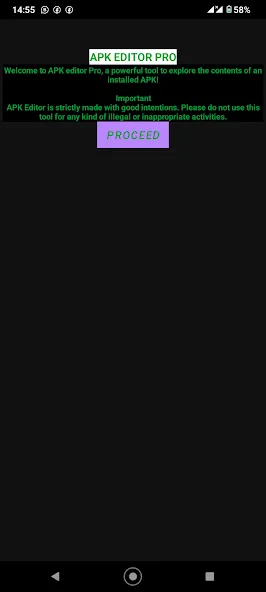
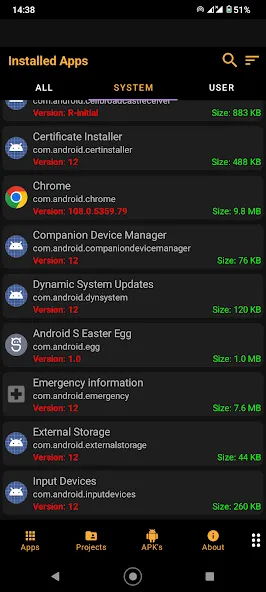
Introduction
Features:
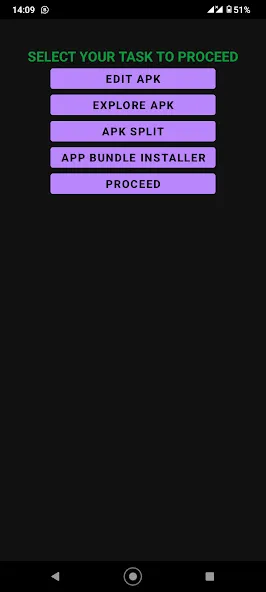
Explore the APK: You can see all the parts that make up an app, like the images, sounds, and code.
Edit Stuff: Change text, swap out pictures, or even mess with how the app behaves.
Save Your Changes: After you’ve made your edits, you can save them and create a new APK file to install.
No Coding Needed: You don’t have to be a computer whiz to use this app. It’s made for everyone!
Highlights:
Simple and Efficient APK Editing
Editing Resources and Assets
Repackaging Applications
Support for Different APK Formats
Backup and Restore
Ad Removal
Editing Permissions
Multi-language Support
Speed and Stability
FAQs:
What is Apk Editor Pro used for?
Apk Editor Pro is used to edit Android application packages (APKs).
Is Apk Editor Pro free to use?
Yes, the basic version of Apk Editor Pro is free. However, some advanced features may require a subscription.
Can I use Apk Editor Pro on my computer?
Yes, you can install the APK editor using an Android emulator.
Do I need to know programming?
No, you don't need to know any programming languages to perform simple operations in Apk Editor Pro. However, advanced editing requires some technical knowledge.
Advantages and disadvantages:
Pros
An array of easy-to-use editing tools
Debugging and troubleshooting mechanisms
Intuitive design
Cons
Potential breach of terms of service
Security risks
Summarize:
Apk Editor Pro is a convenient tool for users who enjoy exploring and modifying applications. It's easy to download and install, allowing you to customize Android apps in multiple ways. Whether you want to modify your favorite game or delve deeper into how applications work, Apk Editor Pro can help you. It's a great addition to your digital toolbox. Why not try it now? Download it today and start your app editing journey!





-
Latest Updates
-
Featured Apps